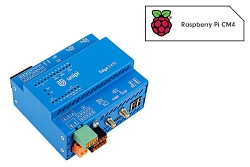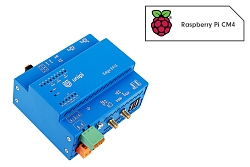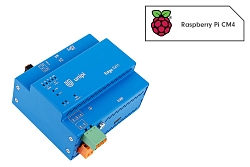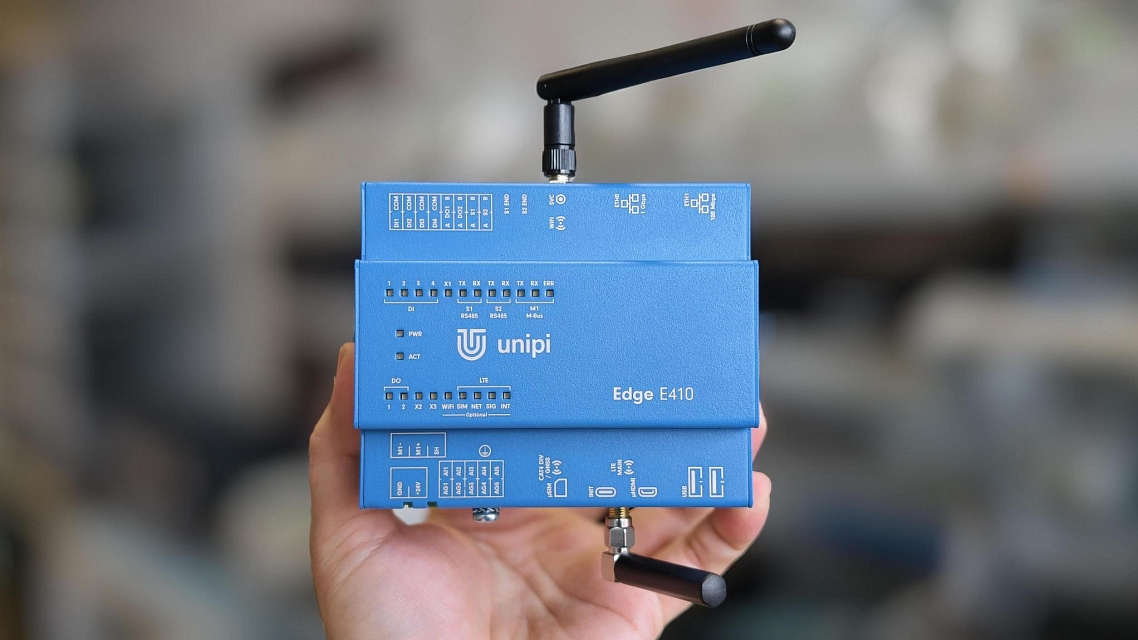
Unipi Edge controllers are now available in versions with a built-in M-Bus master, so you can connect heat, water, gas or electricity meters without an external converter. For all standard Unipi Edge models, three bus load variants are available: 10, 60 and 120 UL.
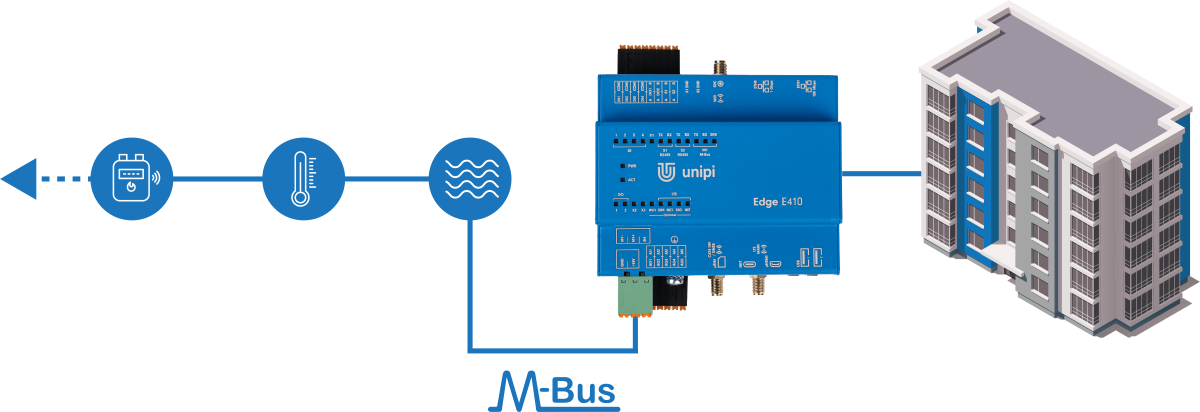
Meter reading is one of the most common requirements in projects built on Unipi controllers: heat and water cost allocation in apartment buildings, consumption metering in commercial buildings, or energy monitoring in industry. A large share of these meters communicate over the M-Bus, and until now an external converter was needed to connect it. That is changing: the Unipi Edge line is getting versions with an M-Bus master integrated directly in the controller.
The new versions are based on the existing Edge E410, E411 and E413 models and keep their full feature set – the M-Bus interface is an additional function and does not replace any of the existing ones. The standard Edge models without M-Bus remain available unchanged.
What M-Bus is for
M-Bus (Meter-Bus) is a European standard for remote reading of consumption meters, defined in EN 13757-2 and EN 13757-3. It is supported by most manufacturers of heat meters, water meters with a communication module, gas meters and electricity meters. For designers and system integrators it has several practical advantages:
- Two wires, but polarity doesn't matter. The bus can be run in a star, tree or line topology, with no termination resistors.
- The bus powers the meters' communication interface. Reading the meters therefore does not drain their batteries.
- Every meter has a unique secondary address, similar to a serial number. There is no need to set addresses manually on site.
- Values come with their units – energy, volume, flow rate, power, supply temperatures and more. You don't have to map registers from the manufacturer's manual.
Unlike Modbus RTU, M-Bus is an electrically different bus: the master powers it with a voltage of around 36 V, and the meters respond by changing the current they draw. M-Bus meters therefore cannot be connected directly to an RS485 port – a master is always required. And that master is now part of the controller.
Where you can use the new versions
- Apartment buildings and residential developments: From 1 January 2027, heat meters, heat cost allocators and hot-water meters must be remotely readable (in the Czech Republic under Section 7 of Act No. 406/2000 Coll., which implements the EU Energy Efficiency Directive). The law does not prescribe a technology, but wired M-Bus is one of the easiest and most reliable ways to meet the requirement – especially in new builds and renovations, where cabling is being installed anyway.
- Heat transfer stations and boiler rooms: The heat meter is used here for both billing and control; its data can be used to limit the flow rate or the heat output drawn by the station.
- Commercial and public buildings: Re-invoicing energy to tenants, an overview of consumption per floor or per system, and data for energy management within the building management system.
- Industry: Sub-metering of energy per production line and per hall for energy audits and ISO 50001 energy management systems.
In all these cases, the advantage is that you process the meter data directly in the controller, alongside process control and visualization – without another box in the cabinet.
What's new: the M-Bus master directly in the controller
Unipi controllers have supported M-Bus in the Mervis software for many years. In hardware, however, the bus had to be connected through an external RS485/M-Bus converter – another device in the cabinet with its own power supply, cabling and configuration. The new Edge versions have the M-Bus master integrated directly on the controller board:
- The interface is an addition – the number of RS485 ports, inputs and outputs is the same as on the standard model.
- The bus is powered by the controller, with no external converter.
- The interface is galvanically isolated from the rest of the controller and protected against short circuits on the bus.
- It supports communication speeds from 300 to 4800 Bd, including the most common 2400 Bd.
- The terminals accept wires with a cross-section of 0.2 to 2.5 mm².
Choose the bus capacity from three versions:
| Unit loads (UL) | Max. continuous bus current |
|---|---|
| 10 UL | 25 mA |
| 60 UL | 95 mA |
| 120 UL* | 185 mA* |
* At ambient temperatures up to 55 °C.
One unit load (1 UL) corresponds to a current of 1.5 mA on the bus. A typical meter draws one unit load, some draw two or more – so choose the capacity according to the total load of the connected meters, with some headroom. As a general rule: 10 UL for a handful of meters, 60 UL for dozens, and 120 UL for large installations on a single bus.
Mervis, Node-RED or your own software
The M-Bus interface is part of the Base OS operating system as a standard serial port and is independent of the software solution you choose. You can therefore use it in Mervis, in Node-RED or in your own application.
In Mervis IDE, M-Bus is a standard communication channel. Once the bus is connected, you let the IDE search for meters by primary or secondary address, create a definition from a found meter with the values you need to read, and the autogen function generates the variables for the control program and for visualization in Mervis SCADA. A meter's primary address can be changed directly from the search dialog. A step-by-step procedure is described in the guide on the Knowledge Base.
Overview of Unipi Edge versions with M-Bus
The M-Bus versions are based on three models of the Edge line and do not replace any of the standard functions of the parent controllers:
- Edge E410 – controller with built-in I/O (4× DI, 2× DO, 5× AI), 2× Ethernet, 2× RS485, optional LTE and WiFi/Bluetooth + M-Bus
- Edge E413 – communication model without built-in I/O, 2× Ethernet, 2× RS485, optional LTE and WiFi/Bluetooth + M-Bus
- Edge E411 – basic model, 1× Ethernet, 1× RS485, optional WiFi/Bluetooth + M-Bus
| Model | M-Bus | RAM / eMMC | LTE | WiFi / Bluetooth |
|---|---|---|---|---|
| Edge E411 | 10 UL | 1 GB / 8 GB | – | – |
| Edge E413 | 10 UL | 1 GB / 16 GB | – | – |
| Edge E413 | 10 UL | 1 GB / 16 GB | LTE Cat 1 | – |
| Edge E410 | 60 UL | 4 GB / 16 GB | – | yes |
| Edge E413 | 60 UL | 1 GB / 16 GB | LTE Cat 1 | – |
| Edge E413 | 60 UL | 4 GB / 16 GB | – | yes |
| Edge E413 | 60 UL | 4 GB / 16 GB | LTE Cat 1 | yes |
| Edge E410 | 120 UL | 4 GB / 16 GB | LTE Cat 1 | yes |
| Edge E413 | 120 UL | 1 GB / 16 GB | – | – |
| Edge E413 | 120 UL | 4 GB / 16 GB | – | yes |
You will find the new versions in the e-shop in the Edge category. As with the other Edge models, further combinations of RAM, eMMC and wireless technologies can be assembled on request. If you are interested in a version that is not listed in the e-shop, contact our sales representatives.
Technical parameters of the M-Bus interface
| Parameter | Value |
|---|---|
| Function | Master |
| Communication speed | 300, 600, 1200, 2400, 4800 Bd |
| Galvanic isolation | between the bus and the other parts, 1 MΩ / 500 V; 1.5 kV DC (2 kV burst/surge) |
| Short-circuit protection | yes |
| Data wire cross-section | 0.2–2.5 mm² |
| 10 UL capacity | max. continuous current 25 mA |
| 60 UL capacity | max. continuous current 95 mA |
| 120 UL capacity | max. continuous current 185 mA (above 55 °C: 90 UL, 135 mA) |
| Max. controller input current – 10 UL | 1.1 A (LTE) / 0.8 A (without LTE) |
| Max. controller input current – 60 UL | 1.5 A (LTE) / 1.2 A (without LTE) |
| Max. controller input current – 120 UL | 2.0 A (LTE) / 1.7 A (without LTE) |
Further info
- Unipi Edge in the e-shop
- Guide: Connecting M-Bus devices in Mervis IDE on the Knowledge Base
- M-Bus guides and documentation on the Knowledge Base